7 Best Focus Timer Apps in 2026, with TimeGrow as the Top Pick

Short on Time? TimeGrow Is the Best All-in-One Choice





Focus timer apps exist for one reason: a plain countdown is not enough when distraction is one tap away. The best apps do more than run a Pomodoro clock. They block distracting apps, support custom work sessions, and show whether your focus is actually improving over time.
That is where TimeGrow separates itself from the pack. Instead of being just another timer, it combines Pomodoro sessions, app blocking, habit tracking, and task management in one place. For most people looking for the best focus timer app in 2026, that combination is the real win.
We spent over a week testing each of these seven focus timer apps during real work sessions: writing, coding, studying, and deep reading. We measured timer accuracy, tested customization options, tried ambient sound modes, and checked whether distraction blocking actually held up under pressure.
Full disclosure: TimeGrow is our app. We built it, but we still put it through the same testing as every other app here. Real pros. Real cons. No affiliate links. No paid placements.
Here's what we found.
How We Tested
We used each app for at least one full week of real work sessions, not just quick demos. Here's what we evaluated:
- Timer accuracy and flexibility. Does the timer count down reliably? Can you customize work and break durations beyond the standard 25/5 Pomodoro?
- App blocking. If the app claims to block distractions, does it actually work? Can you bypass it easily?
- Ambient sounds. Quality and variety of background sounds. Do they genuinely help focus or just add noise?
- Customization. Can you adjust session lengths, break patterns, and notification styles to fit how you actually work?
- Integration. Does the timer connect to your tasks, habits, or calendar? Or does it sit in a silo?
- Price-to-value. Is the free tier usable? Is the paid tier worth it?
No affiliate links in this article. No app paid to be here.
1. TimeGrow - Best All-in-One Focus System
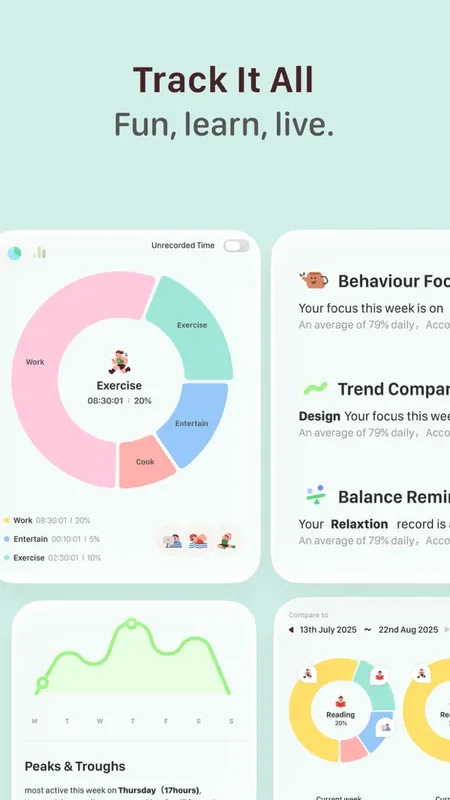
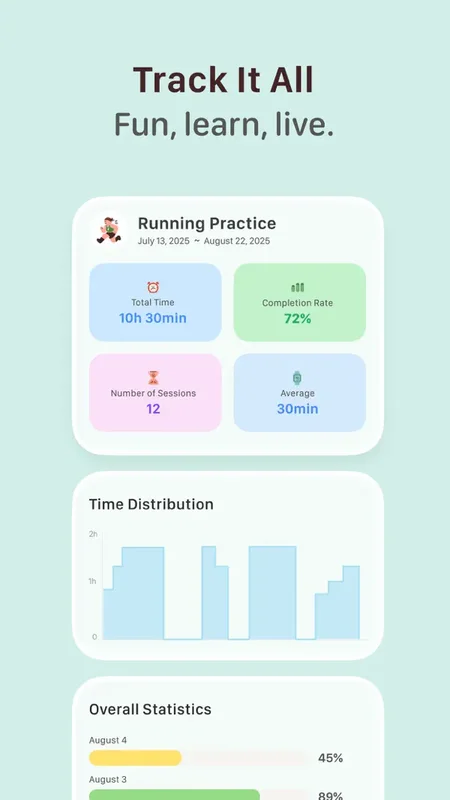
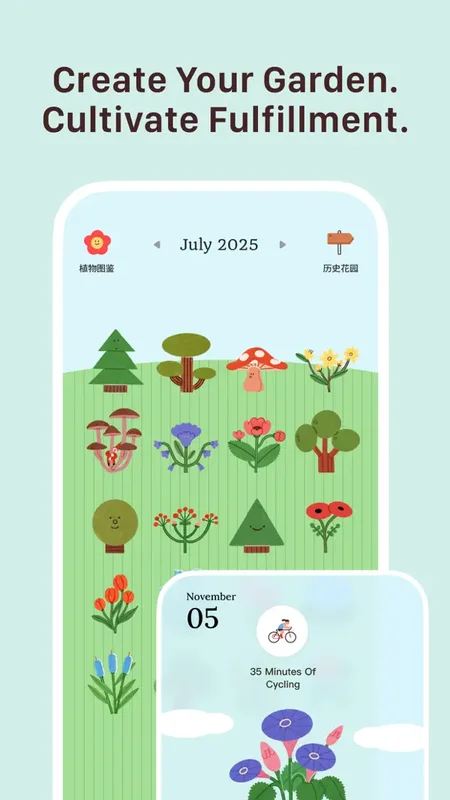
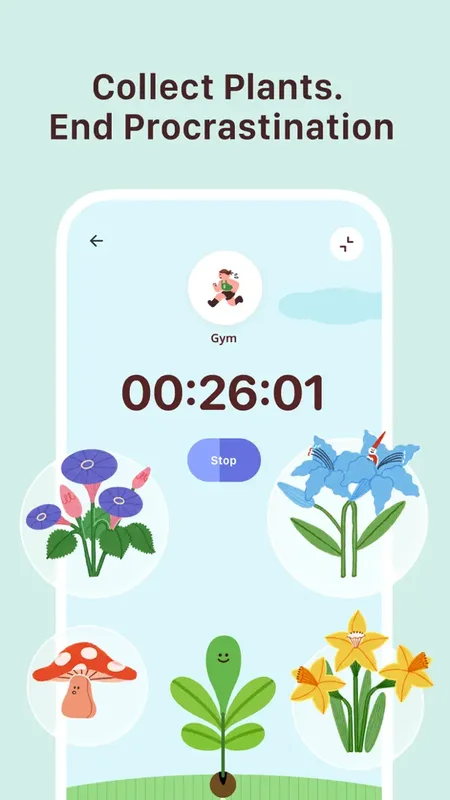
Most focus timer apps do one thing: count down from 25 minutes. TimeGrow connects your focus sessions to your habits, tasks, and screen time in one app. Start a Pomodoro, block Instagram automatically, track how many deep work sessions you completed this week, and see the pattern alongside your other daily habits.
The timer itself supports both classic Pomodoro (25/5) and fully customizable sessions. Set a 50-minute deep work block with a 10-minute break. Set a 90-minute creative session with no interruptions. The timer adapts to how you work, not the other way around.
What makes TimeGrow different from a standalone timer is the context. Your focus sessions don't disappear after the countdown ends. They show up in your habit streaks, your weekly stats, and your calendar. You can see that you focused for 3 hours on Tuesday but only 45 minutes on Wednesday, right next to whether you meditated, exercised, and hit your reading goal.
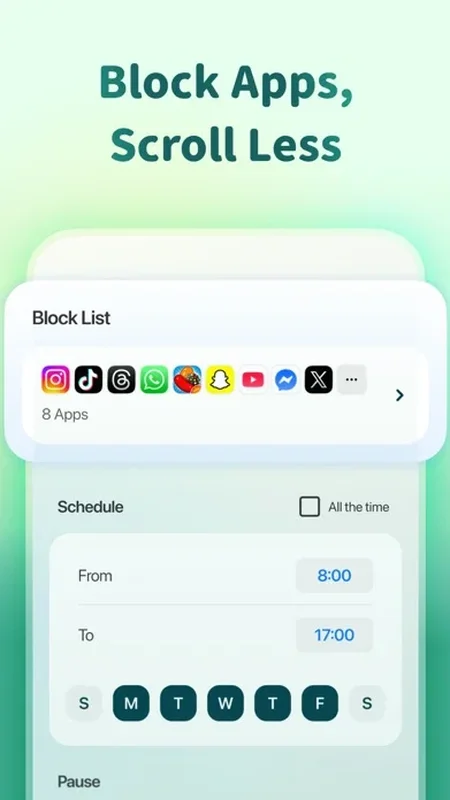
The app blocking is real. During a focus session, TimeGrow restricts access to the apps you've flagged as distracting. No willpower required. You literally can't open TikTok until the session ends.
What it does well:
- App blocking during focus sessions. Block distracting apps automatically when the timer starts. This is the single biggest difference between a timer that helps and a timer you ignore.
- Focus + habits + tasks in one app. No switching between three apps. Your Pomodoro sessions, daily habits, and task list live in the same place.
- Ambient soundscapes. Rain, forest, ocean, white noise, and more. Layered sounds that you can mix, not just a single looping track.
- Clean, minimal timer UI. Full-screen countdown with no clutter. The timer does its job without fighting for your attention.
Where it falls short:
- iOS only. iPhone, iPad, Mac, and Vision Pro. No Android version. If you need cross-platform, Flora or Forest are better bets.
- Newer app. TimeGrow launched in early 2026. The App Store rating is excellent, but it doesn't have the years of user feedback that Forest or Be Focused have accumulated.
Pricing: Free core (timer, habits, tasks). Optional Pro upgrade unlocks advanced features.
Platforms: iPhone, iPad, Mac (Apple Silicon), Apple Vision Pro.
Bottom line: If you want a focus timer that also tracks your habits, blocks distracting apps, and keeps everything in one place, download TimeGrow from the App Store
2. Forest - Best for Gamified Focus
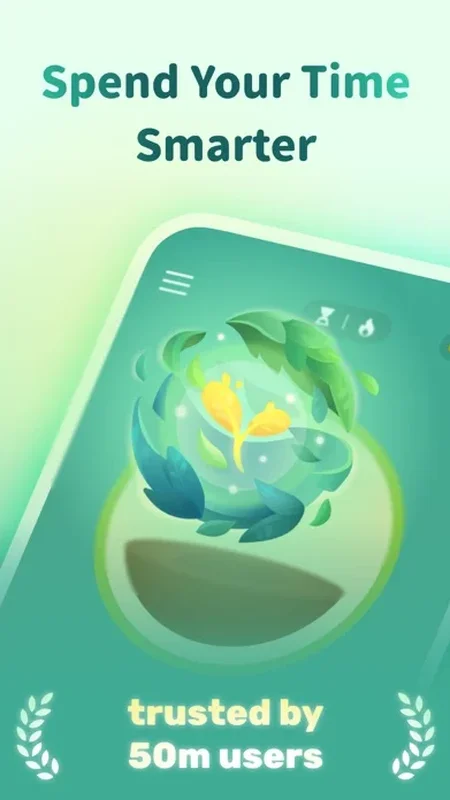
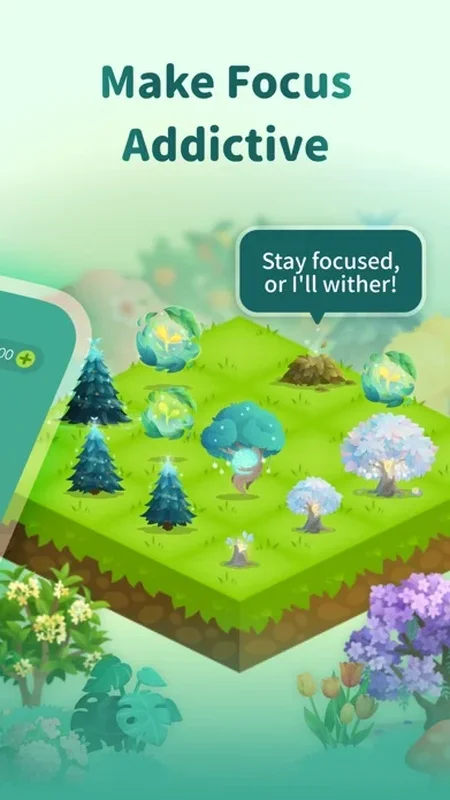
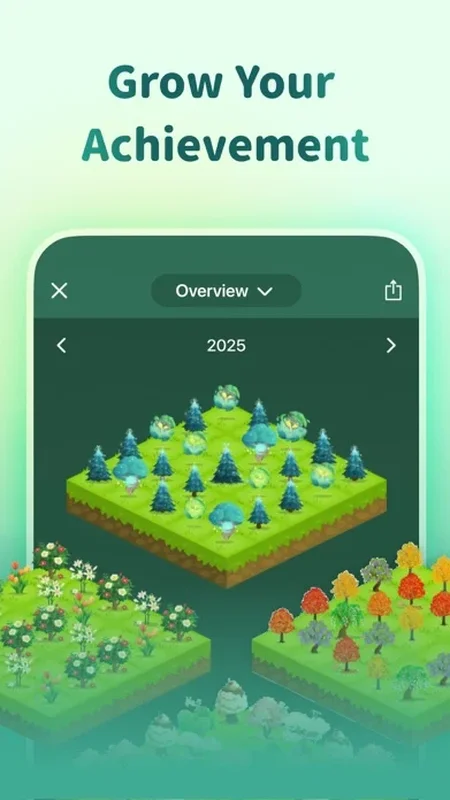
Plant a virtual tree. Stay focused for 25 minutes. Watch it grow. Leave the app early and the tree dies. It sounds childish until you realize you haven't touched your phone for two hours because you didn't want to kill a pixel tree.
Forest turns focus into a game, and it works. The app has been downloaded over 15 million times and has partnered with Trees for the Future to plant real trees using the virtual coins you earn. As of 2026, users have collectively planted over 5 million real trees.
The mechanic is dead simple. Set a timer between 10 and 180 minutes. A seed appears on screen. If you stay in the app (or lock your phone), the tree grows. If you leave to check social media, the tree withers. Over time, you build a forest that represents your accumulated focus sessions.
Forest also supports group focus rooms. Start a session with friends or coworkers and everyone plants trees together. If one person leaves early, everyone's trees suffer. It's peer pressure in the best possible way.
What it does well:
- Addictive gamification. The tree-growing mechanic creates emotional stakes that a plain countdown never will. You don't want to kill your tree.
- Real trees planted. Virtual coins translate to actual trees through the Trees for the Future partnership. Focus with a purpose.
- Group focus rooms. Study with friends in real time. Shared accountability without needing to be in the same room.
- Cross-platform. iOS, Android, and a Chrome extension for blocking websites on desktop.
Where it falls short:
- Limited customization. You can change the timer length and pick tree species, but you can't customize break patterns, session structures, or create multi-phase focus blocks.
- No habit tracking. Forest is a timer, period. It doesn't track your daily habits, tasks, or routines. You'll need a second app for that.
- Gamification wears off for some. Several long-term users report that the tree mechanic loses its charm after a few months.
Pricing: Free (limited). $3.99 one-time purchase for iOS. Free with ads on Android.
Platforms: iOS, Android, Chrome extension.
Bottom line: Forest is the best focus timer for people who need external motivation. If a plain countdown doesn't stop you from checking your phone, a dying virtual tree just might.
3. Focus Bear - Best for ADHD
Most focus apps assume you can just “decide to focus.” If you have ADHD, you know that's not how it works. Focus Bear was built specifically for neurodivergent brains, and the difference shows in every design decision.
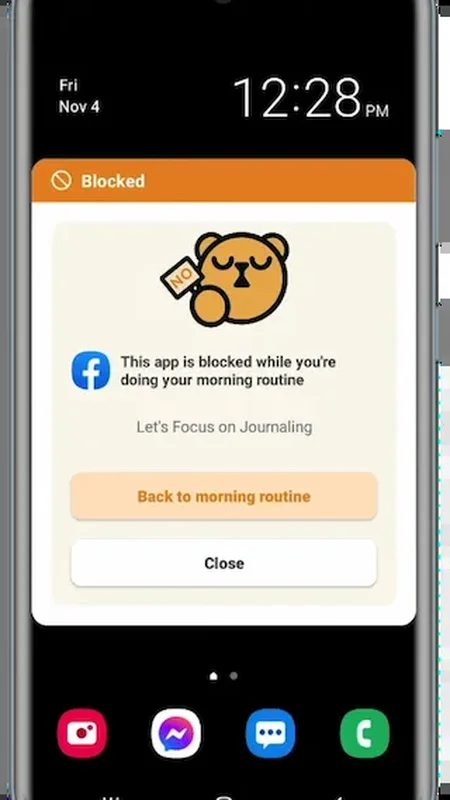
When you start a focus session, Focus Bear doesn't just start a timer. It blocks distracting websites and apps across your devices, displays your current task front and center, and removes the friction between “I should work” and actually working. The blocking is aggressive by design.
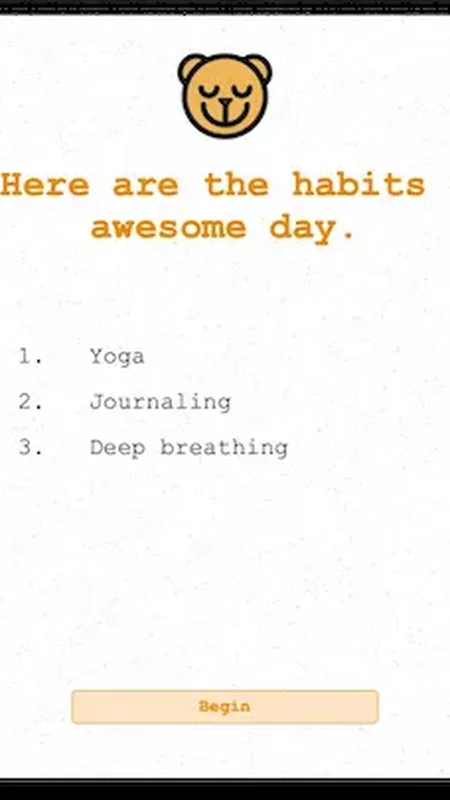
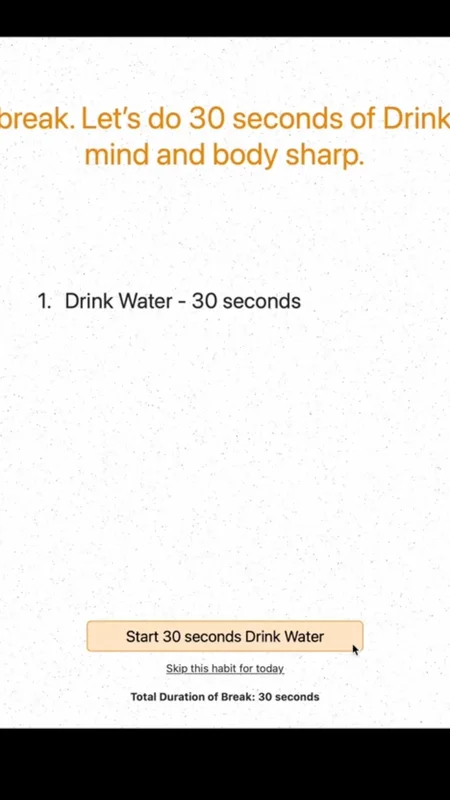
Beyond the timer, Focus Bear includes a morning routine builder that walks you through each step with visual cues and timers. The app also sends break reminders that suggest specific activities like stretching, drinking water, or stepping outside.
What it does well:
- Designed for neurodivergent brains. Visual task cues, structured routines, and aggressive blocking address ADHD-specific challenges.
- Morning routine builder. Step-by-step guided routines with timers for each activity.
- Blocks websites and apps. Cross-device blocking that's hard to bypass.
- Guided break reminders. Suggests specific break activities instead of leaving you to decide.
Where it falls short:
- Subscription required. The free trial is limited, and the $4.99/month subscription is necessary for most useful features.
- Less polished UI. The interface is functional but not as visually refined as Forest, Flora, or TimeGrow.
- Limited free trial. You get a short window to test the app before committing to a subscription.
Pricing: Free trial. $4.99/month or $49.99/year for full access.
Platforms: macOS, Windows, iOS, Android.
Bottom line: Focus Bear is the only app on this list built from the ground up for ADHD. If standard Pomodoro timers haven't worked for you, the structured routines and aggressive blocking might be the difference.
4. Flora - Best for Green Focus
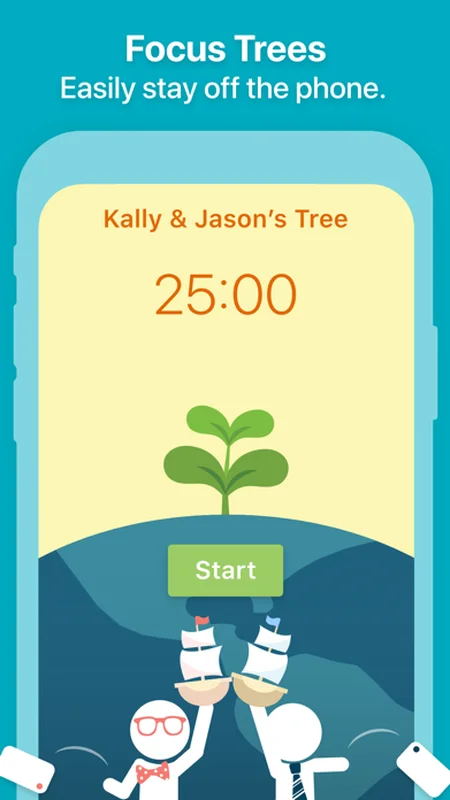
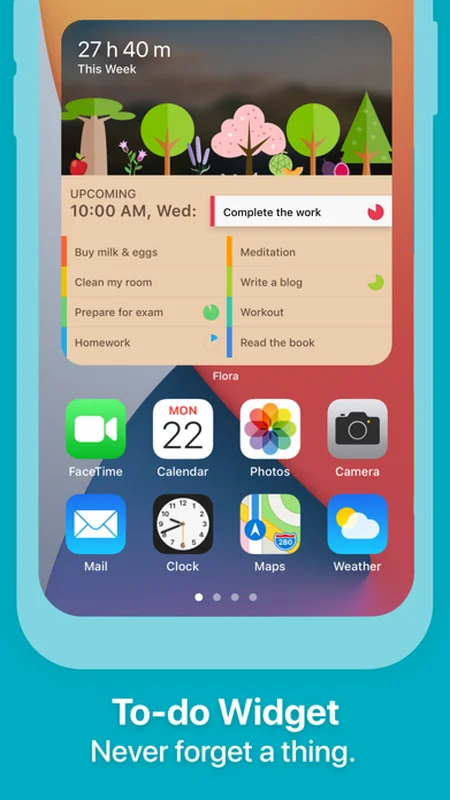
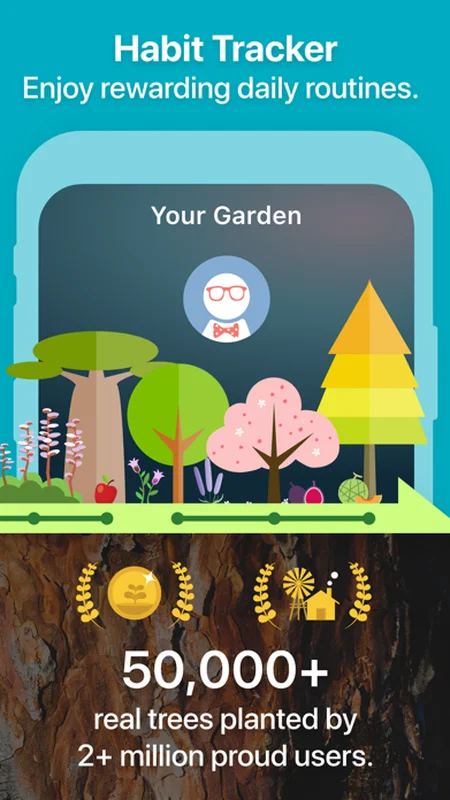
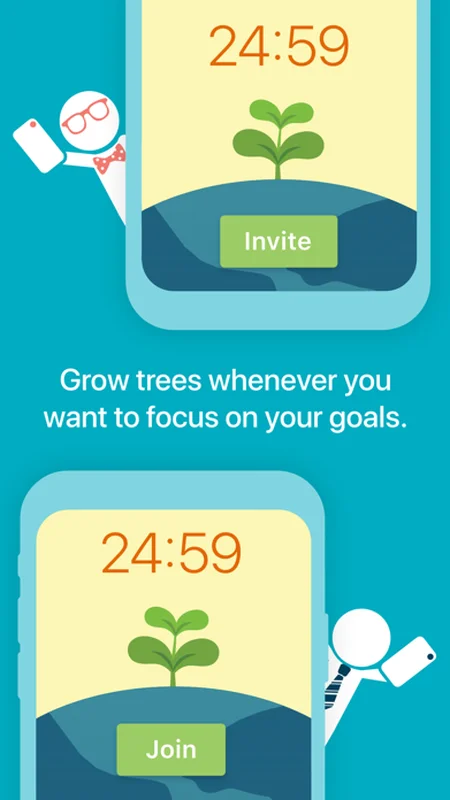
What if staying focused could actually make the world greener? Flora turns every focus session into a chance to plant real trees while you plant virtual ones.
The concept is simple but effective: set a timer, plant a seed, and watch it grow while you stay focused. Leave the app early and your plant withers. But Flora goes beyond solo focus with its group planting feature, where you and your friends can plant a garden together. If anyone in the group gives up, the whole garden suffers. It's collaborative accountability at its finest.
Through Flora's partnership with real tree-planting organizations, the virtual coins you earn from focused sessions translate into actual trees planted in the real world. So far, Flora users have planted thousands of real trees.
The interface is clean and cheerful, with bright botanical illustrations and smooth animations that make each completed session feel rewarding without being distracting.
What it does well:
- Focus with friends. Group planting sessions add social accountability. If one person leaves, everyone loses their plant.
- Real trees planted. Virtual coins convert to real trees through partnerships with tree-planting organizations.
- Clean, cheerful design. Botanical illustrations and smooth animations create a pleasant focus experience.
- Cross-platform. Available on both iOS and Android, so your whole friend group can join.
Where it falls short:
- Limited timer customization. Basic session lengths without complex work/break patterns or custom intervals.
- No habit tracking. Flora is a focus timer, not a productivity suite. You'll need another app for habits.
- Gamification may fade. Like Forest, the novelty of growing virtual plants can wear off over time.
Pricing: Free with in-app purchases. Flora Pro unlocks premium features and more plant species.
Platforms: iOS, Android.
Bottom line: Flora is the best focus timer for people who want to combine personal productivity with environmental impact. The group planting feature makes it uniquely social.
5. Study Bunny - Best Cute Focus Timer
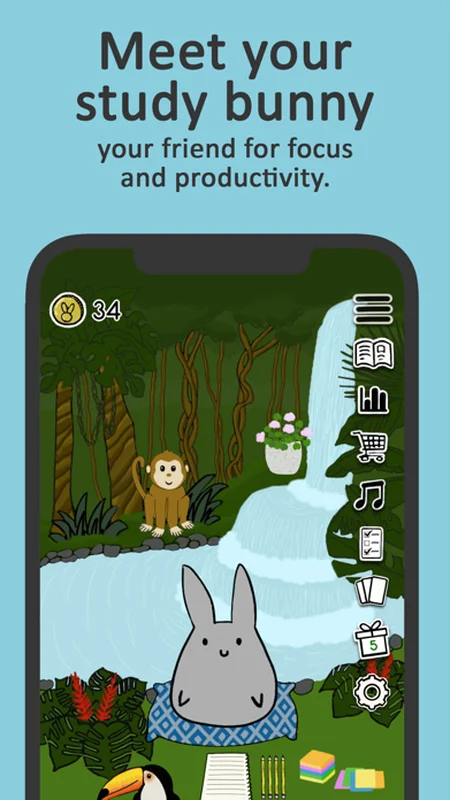
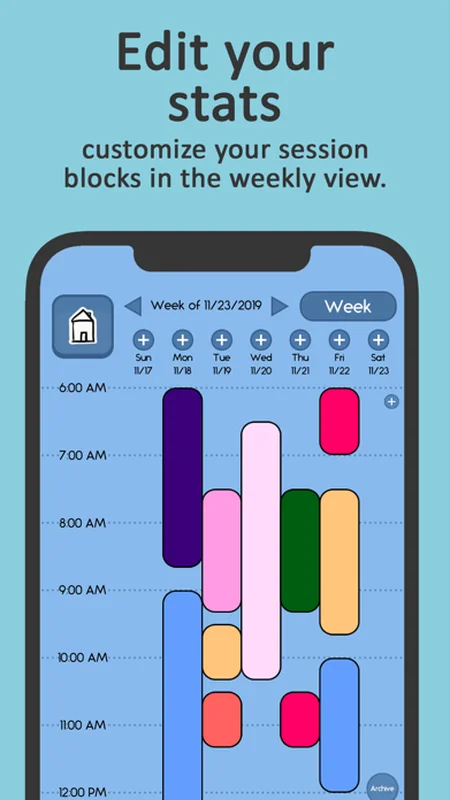
Not everyone is motivated by streaks and stats. Some people need something cute to take care of. Study Bunny turns focus into pet care: your bunny companion depends on your study sessions to stay happy and healthy.
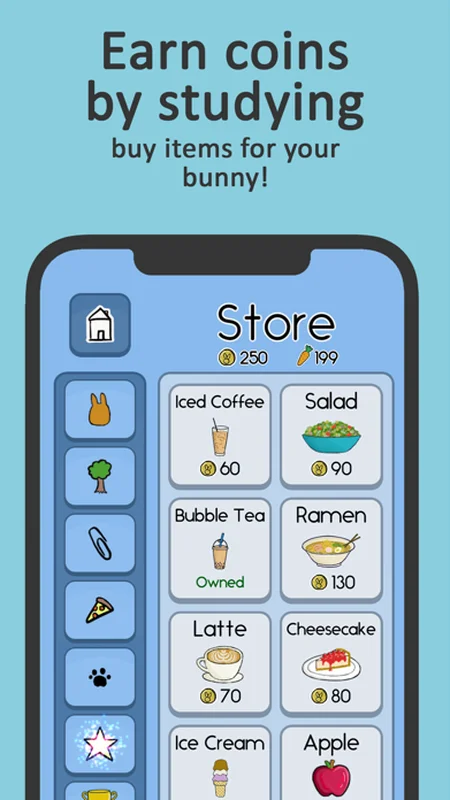
The mechanic is endearing and effective. Start a focus timer, and your bunny hops around happily while you work. Complete the session and you earn coins. Use those coins to buy food, toys, and decorations for your bunny's home. Skip too many sessions and your bunny gets sad.
It sounds silly, but the emotional connection to a virtual pet creates a surprisingly strong motivation to study. You're not just focusing for yourself anymore, you're focusing for your bunny. And that tiny shift in perspective makes a real difference on days when you'd rather scroll than study.
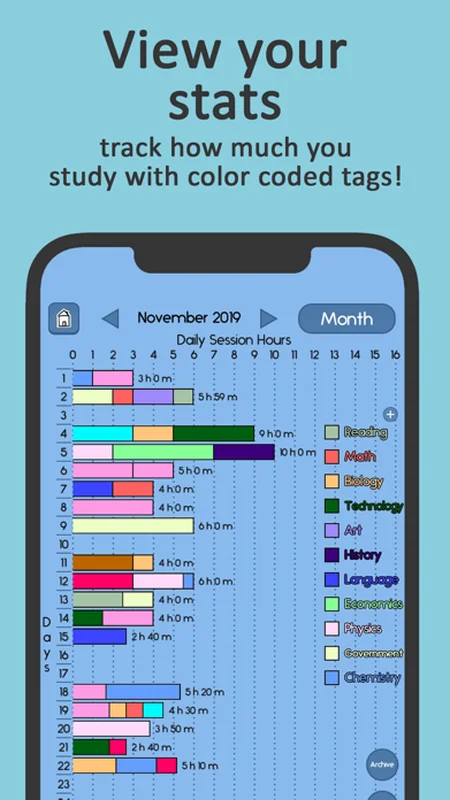
The app tracks your study hours, streaks, and total focus time with simple, clear graphs. Nothing overwhelming, just enough to see your progress over time.
What it does well:
- Emotional motivation. Taking care of a virtual pet creates a personal connection that streak counters can't match.
- Coin reward system. Earn coins from study sessions to buy items and customize your bunny's home.
- Adorable art style. The bunny animations and item designs are genuinely charming without being distracting.
- Simple study stats. Clean graphs showing focus time, streaks, and daily progress.
Where it falls short:
- Very gamified. If you find pet-care mechanics childish, this app isn't for you.
- No app blocking. Study Bunny tracks your focus but can't prevent you from opening other apps.
- Limited customization. Timer settings are basic without advanced work/break patterns.
Pricing: Free with in-app purchases for coins and premium items.
Platforms: iOS, Android.
Bottom line: Study Bunny is the best focus timer for students who need a friendly, adorable companion to keep them motivated. If a virtual pet sounds like it would get you to study, nothing else comes close.
6. Be Focused - Best Simple Pomodoro
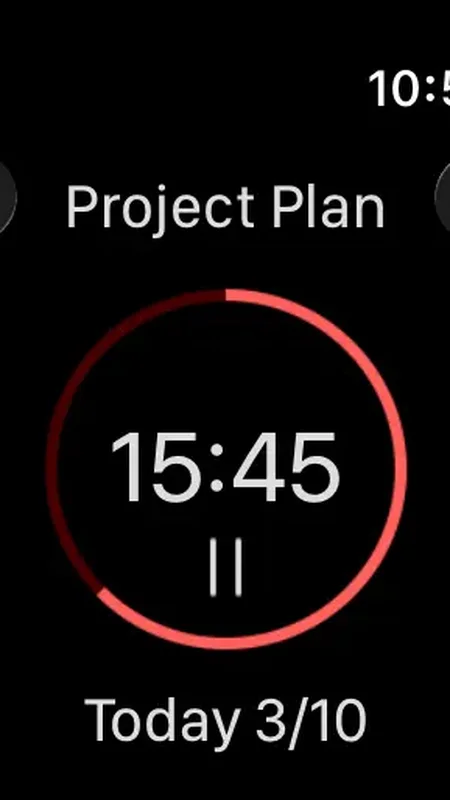
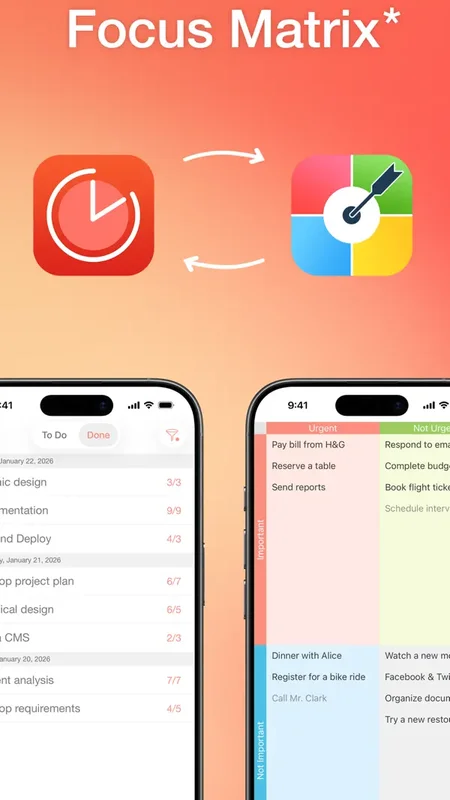
Sometimes you don't want an app that blocks websites, grows trees, plays rainforest sounds, or tracks your habits. Sometimes you just want a Pomodoro timer that counts down from 25 minutes and tells you when to take a break.
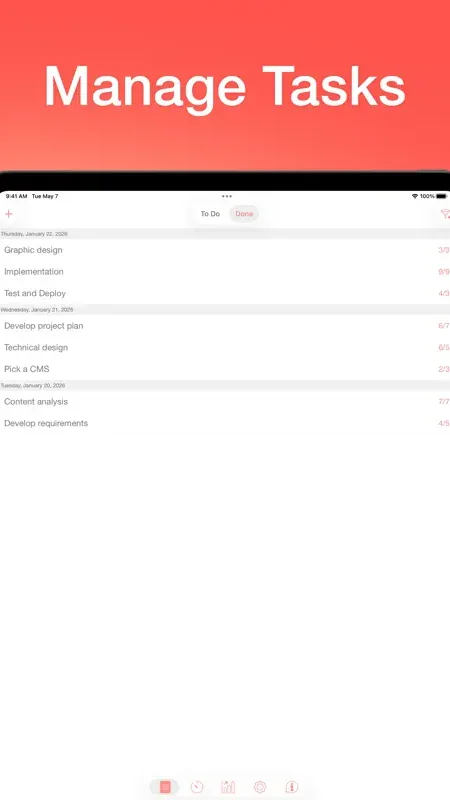
Be Focused is that app. It's a straightforward Pomodoro timer with a task list, basic stats, and nothing else.
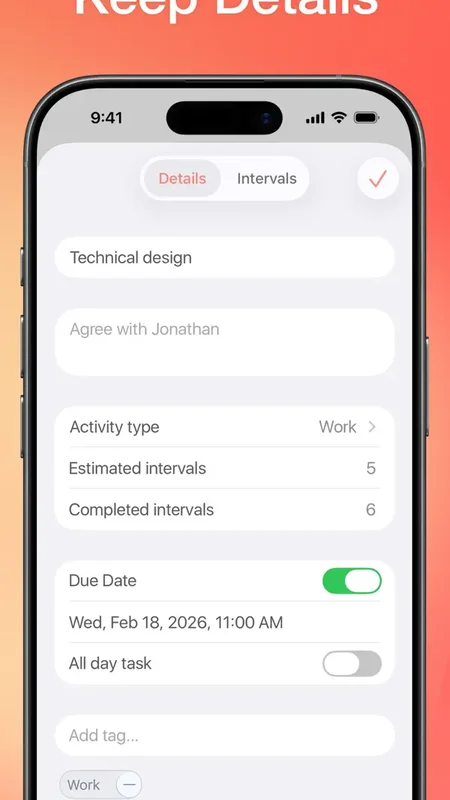
The task list lets you assign Pomodoro sessions to specific tasks. At the end of the day, you can see how many sessions you completed per task.
Be Focused has been in the App Store for years, and its longevity is its strength. The app is stable, predictable, and boring in the best way.
What it does well:
- Dead simple. If you can set a kitchen timer, you can use Be Focused. Zero learning curve.
- One-time purchase for Pro. $4.99 and you own it forever.
- Mac + iOS. Works on both platforms with sync.
- Task categories. Organize your Pomodoro sessions by project or task type.
Where it falls short:
- Dated design. The interface hasn't been meaningfully updated in years.
- No ambient sounds. Just a timer and silence.
- No app blocking. It relies entirely on your self-control.
- Basic stats. No trend lines, no weekly comparisons, no insights.
Pricing: Free (with ads). Be Focused Pro: $4.99 one-time (iOS), $4.99 one-time (Mac).
Platforms: iOS, macOS.
Bottom line: Be Focused is the Toyota Corolla of Pomodoro apps. Not exciting, not flashy, but reliable and affordable. If all you want is a timer that works, this is it.
7. Plantie - Best Plant-Based Focus
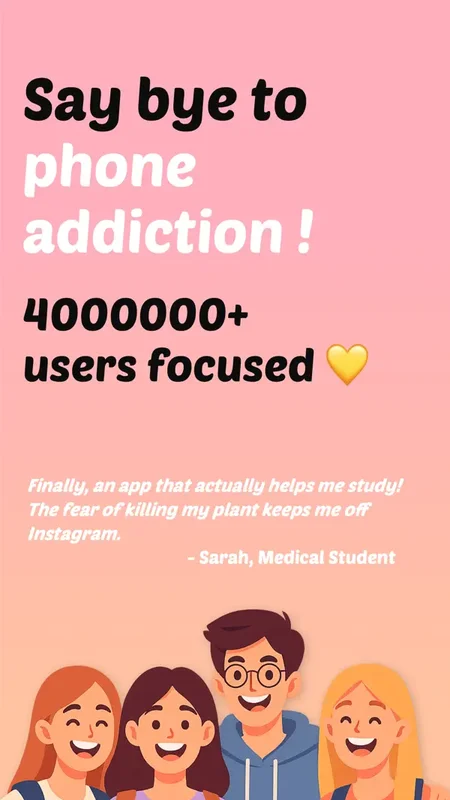
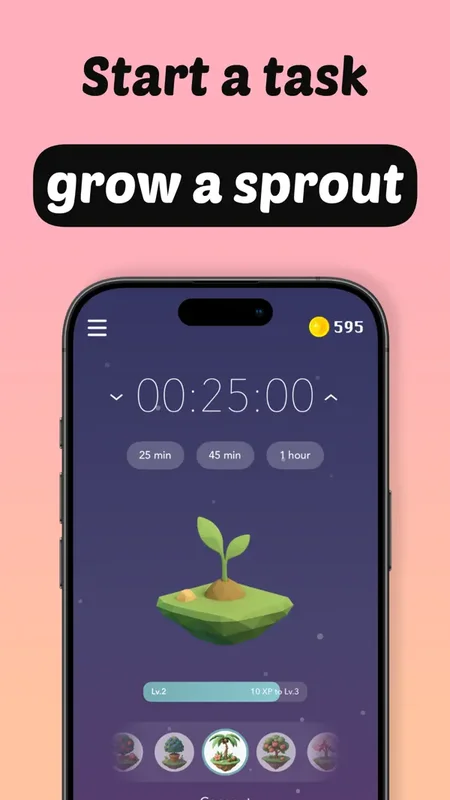
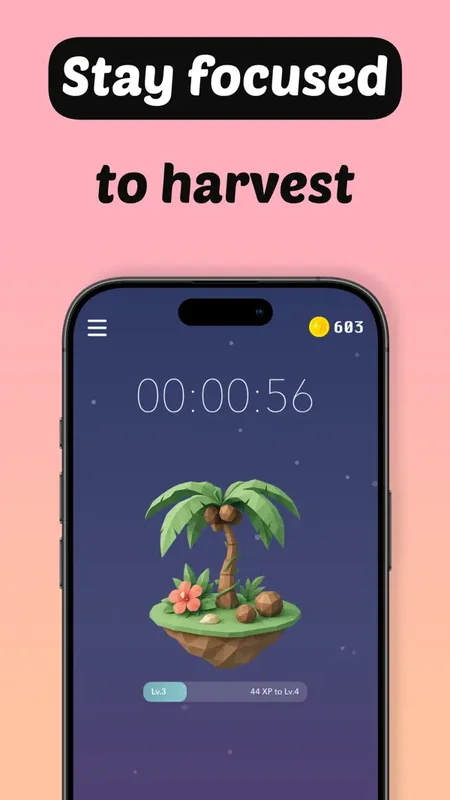
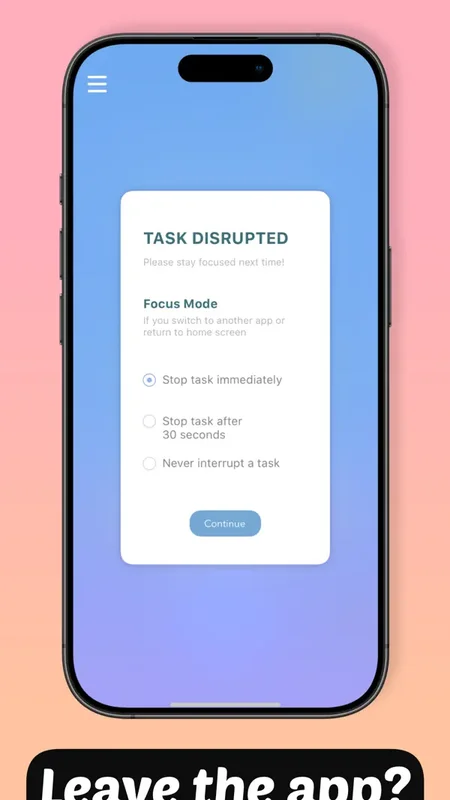
If Forest feels too intense and Flora too social, Plantie offers a gentler take on the plant-growing focus timer. Each focus session waters your virtual garden, and over time you collect a beautiful variety of unique plant species.
The app keeps things minimal: set a timer, focus, and watch your plant grow. Completed sessions earn you new seeds and unlock rare species for your garden. The collection mechanic adds a layer of long-term motivation that goes beyond a single session.
Plantie's design is clean and calming, with soft colors and gentle plant illustrations that create a low-pressure focus environment. There are no leaderboards, no social features, and no penalties for missing a day. Just you, your timer, and your growing garden.
For people who find Forest's tree-killing mechanic too stressful or Flora's social features too distracting, Plantie hits a sweet spot of gentle motivation without anxiety.
What it does well:
- Relaxing plant collection. Grow and collect unique plant species without the penalty of killing anything.
- Clean, calming design. Soft colors and gentle illustrations create a peaceful focus atmosphere.
- Low-pressure motivation. No streaks to break, no friends to disappoint. Focus at your own pace.
- Simple to use. Set a timer, focus, and collect plants. Zero learning curve.
Where it falls short:
- Very limited features. No app blocking, no habit tracking, no ambient sounds. Just a timer and plants.
- iOS only. No Android version available.
- Can feel too simple. Power users may find the lack of customization and stats frustrating.
Pricing: Free with in-app purchases for premium plants and garden themes.
Platforms: iOS.
Bottom line: Plantie is the focus timer for people who want gentle, low-pressure motivation. If Forest stresses you out and you just want to grow something beautiful while you work, Plantie is a lovely choice.
Pomodoro vs. Flowtime vs. Custom Timers
Not every focus technique works for every task. Here's a quick breakdown:
Pomodoro (25 work / 5 break): Best for tasks you're dreading or procrastinating on. The short timer makes starting easy, and the forced break prevents burnout. Works well for emails, admin work, studying, and repetitive tasks.
Flowtime (work until focus fades, then break): Best for creative work, writing, coding, and deep problem-solving. Instead of a fixed timer, you work until you feel your focus slipping, then take a proportional break.
Custom timers (50/10, 90/20, or any ratio): Best for experienced focusers who know their own rhythms. Custom timers let you match the technique to your brain.
TimeGrow, Be Focused, and Plantie support custom timer durations. Forest and Flora offer adjustable session lengths but stick to single-phase timers. Study Bunny uses a simple countdown approach. Focus Bear uses structured time blocks designed for ADHD.
Comparison Table
| App | Price | Platform | App Blocking | Ambient Sounds | Best For |
|---|---|---|---|---|---|
| 1. TimeGrow | Free (optional Pro) | iOS, iPad, Mac, Vision Pro | Yes | Yes | All-in-one focus system |
| 2. Forest | Free / $3.99 one-time | iOS, Android, Chrome | Yes | No | Gamified focus |
| 3. Focus Bear | Free trial / $4.99/mo | macOS, Windows, iOS, Android | Yes | No | ADHD focus |
| 4. Flora | Free / in-app purchases | iOS, Android | Yes | No | Green focus with friends |
| 5. Study Bunny | Free / in-app purchases | iOS, Android | No | No | Cute pet motivation |
| 6. Be Focused | Free / $4.99 one-time | iOS, macOS | No | No | Simple Pomodoro |
| 7. Plantie | Free / in-app purchases | iOS | No | No | Gentle plant motivation |
Frequently Asked Questions
What is the best Pomodoro app?
Forest for gamified Pomodoro sessions where you grow virtual trees. TimeGrow for Pomodoro combined with habit tracking and app blocking. Be Focused for a simple, traditional Pomodoro timer without extra features. The best choice depends on whether you want gamification, integration, or simplicity.
Are plant-growing focus timers effective?
Yes. Apps like Forest, Flora, and Plantie use emotional attachment to virtual plants as a focus incentive. Research shows that gamified timers increase session completion rates because users don't want to “kill” their plants. Flora adds social accountability through group planting, while Plantie offers a gentler, penalty-free approach.
Is Pomodoro the best focus technique?
Pomodoro works well for structured tasks like admin work, emails, and studying, but it can interrupt creative flow. Flowtime is better for deep work because you take breaks when focus naturally fades. TimeGrow supports both Pomodoro and custom timers so you can match the technique to the task.
Do focus timer apps actually improve productivity?
Yes. Research shows that structured work intervals increase task completion by 25-30%. The timer creates a sense of urgency that fights procrastination, and the scheduled break prevents burnout.
Can I use a focus timer with app blocking?
TimeGrow, Forest, and Focus Bear can block distracting apps during focus sessions, combining the timer with enforcement. The other apps on this list are timer-only without built-in app blocking capabilities.
Is Forest worth paying for?
Yes, if gamification motivates you. Growing virtual trees is surprisingly effective at keeping your phone untouched. The paid version ($3.99) is a one-time purchase with no subscription, which makes it one of the best value focus apps available.
Final Verdict
The best focus timer is the one you keep using. That means it needs to be more than a countdown. It should help you start, stay focused, and understand whether your workflow is improving.
Here's the short version:
- If you want the best all-in-one focus system: pick TimeGrow.
- If gamification is what motivates you: pick Forest.
- If you have ADHD and need structured support: pick Focus Bear.
- If you want to focus with friends and plant real trees: pick Flora.
- If a cute virtual pet would motivate you to study: pick Study Bunny.
- If you just want a simple, cheap Pomodoro timer: pick Be Focused.
- If you want gentle, low-pressure plant-based motivation: pick Plantie.
Pick one and use it for two weeks before judging. The biggest productivity killer is often not the wrong app, but the app-hopping that keeps you from starting a single session.
If you want one app that covers Pomodoro, app blocking, habits, and task tracking, download TimeGrow. It's the most complete option in this list and the easiest place to start if you want better focus today.